
























Jawaker: what you can buy and how to order
What to know before buying Jawaker (Apps): the 18 live items on the list, what the order asks for, and the checkout steps from the wallet to delivery.
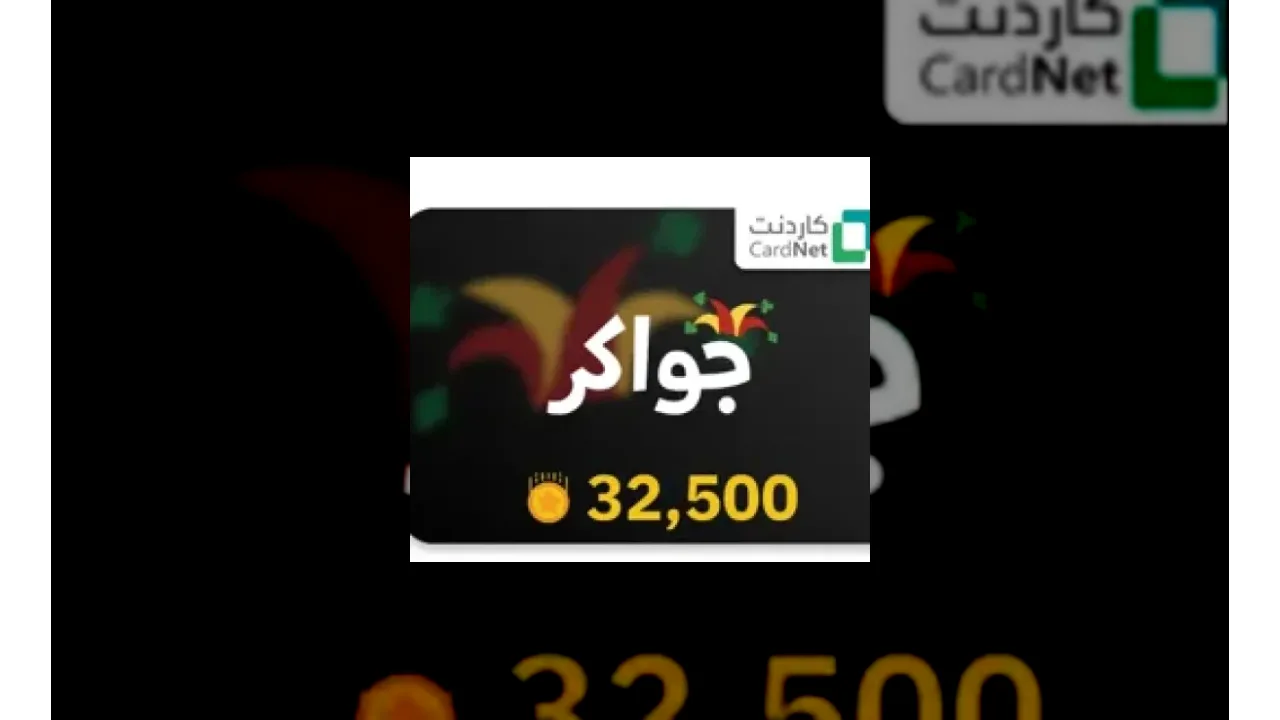
Table of contents
Buy from this article
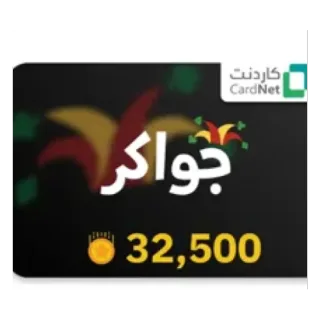 Jawaker
from
$0.89445
Buy now
This guide is about Jawaker in the Apps section of Warya Shop: what the product is, what the order asks you for, how buying it works from your wallet to delivery, and what to check before you pay.
What Jawaker is
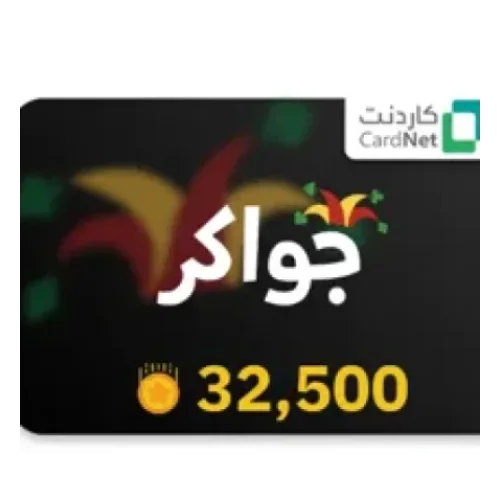
At Warya Shop, buying Jawaker means you top up the app or the social service it names. Every order is paid from your wallet balance, and this family holds both kinds of edition: some are delivered to a player ID and some as a code or voucher.
The page lists 18 live items to choose from, with the price of each one written beside it.
Some of the items on this list: “10000 Token”, “10000 Tokens” and “150000 Tokens”.
Every item name carries its own amount or duration: top-up and coin items carry a number (coins, diamonds or points), and subscription items carry a period in months or years. Before you pick, compare that number or period with what you actually need — the difference between two packages is often only that number.
What the order asks for
This family holds both kinds of edition: a code/voucher edition asks for no game-account information, and a top-up edition asks for the player ID. The form of the edition you open marks the required boxes itself.
Worth knowing
Never enter your account password anywhere: it is not needed to place this order, and your account details are used only for it.
How to buy, step by step
In "Choose an amount" pick the item you want; the price of each one is written beside it.
In that same form enter whatever the edition you opened asks for: a top-up edition asks for the player ID, a code edition asks for nothing.
Pay the order from your wallet balance; top the wallet up first if the balance does not cover it.
Before paying, read the item name and the price once more and make sure the region and the server match your account.
Follow the order from "Order History" in your account: the status of every order is written there.
Before you pay: a short checklist
Is this the item you meant? The item name carries the amount or the duration, and it has to match what you want to charge.
On a top-up: is the player ID exactly the one in the game profile, with no extra space?
On a top-up: is the region or the server the one the account really plays on?
On a code: is the code region the one your account or store is set to?
Does your wallet balance cover the whole order?
Have you read what the item includes? Some cards are accepted only in one store or one country.
Is the package you picked the amount you want, and not the one before or after it?
After the order
A code edition shows its code on the order page, and a top-up edition is delivered to the player ID you entered. Whichever you bought, check its status on the order page first, then reopen the game or the app once.
Keeping the order safe
Nobody at Warya Shop will ever ask for your account password, your email password, or a code that arrives by message. Anyone who does is not the shop.
Place the order from your own account and keep its record: the order page holds the code and the details, so you can come back to it whenever you need instead of relying on memory.
Related pages at Warya Shop
If you are after the same kind of product, these are also sold at Warya Shop, each with its own product page:
Frequently asked questions
How do I pay for this order?
Every order is paid from your wallet balance. The pay button becomes active once an item is picked and the required fields are filled in, and the order is placed in that same step.
What do I have to enter to place the order?
It depends on the edition you open: a top-up edition asks for the player ID, a code edition asks for nothing. The form of that edition marks the required boxes itself.
Where do I see the code after buying?
The code or voucher is shown on your order page after the purchase.
What if I entered the wrong player ID?
You can correct it before paying; once the order is placed, follow it up with support.
Do you need my account password?
No. Placing this order needs no account password, and it is never asked for at any step.
Can I buy this for someone else?
Yes. On a top-up you enter their player ID; on a code you pass the code on once it appears on your order page. The order stays recorded in your account, because you paid for it.
Why does the region matter so much?
A code is issued for one country store, and a top-up goes to an account that runs on one server. A code or top-up for another region does not work on your account, even when the product has the same name.
Where do I follow my order?
Every order and its status are shown under "Order History" of your account.
Next step
The live list of this family, and the price of every item, is on the product page: Buy Jawaker at Warya Shop. If you would rather read first, the Jawaker guides are collected in the magazine.